
Instant Pot Vortex Dual 8L Air Fryer Black Pepper - Step-by-Step
1.1 Product explained
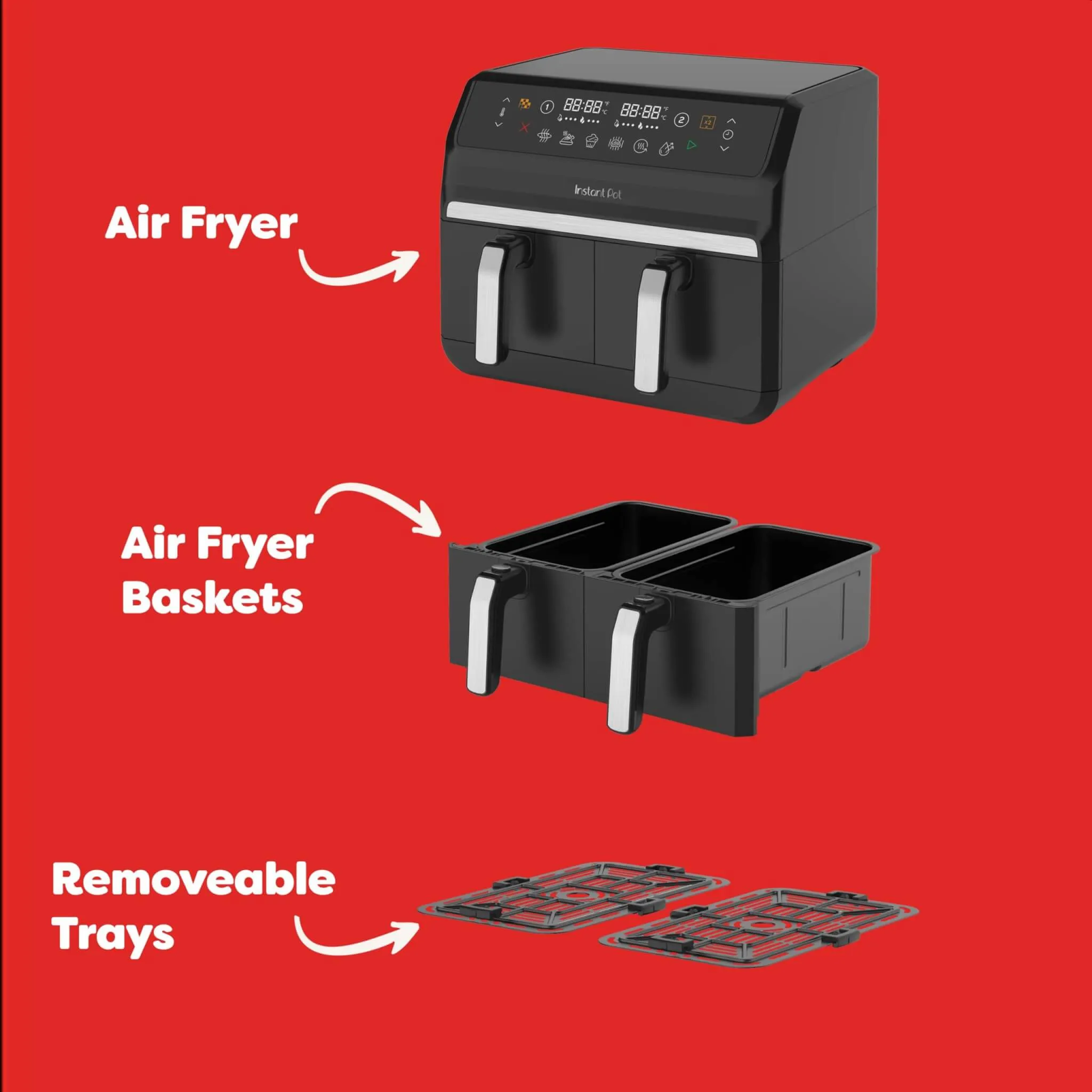
2.1 Clean before use
Remove all packaging, check the chamber and wipe before use.
2.2 Perform a test run
Before using your new Vortex Dual 8L Air Fryer for the first time, you must perform a test run to ensure everything is working correctly.
3.1 Setting time and temperature
Watch the video to learn how to set time and temperature.
3.2 Add food/Turn food prompts
Watch the video to add food and turn food prompts
3.3 Changing time and temperature during cooking
Watch the video to learn how to change time and temperature during cooking.
3.4 Using the SyncFinish function
Watch the video to learn how to set the SyncFinish function, when you want to cook using different functions, times and temperatures in each drawer, but end the cooking simultaneously.
3.5 Using the SyncFinish function
Watch the video to learn how to set the SyncCook function, when you require the same cooking settings in both cooking drawers.
3.6 Smart Programs
- Air Fry
- Roast
- Bake
- Grill
- Dehydrate
4.1 Full recipe collection
Tried and tested recipes for you to try at home
4.2 Cooking timetable
Access our Cooking Timetable.
4.3 Downloadable recipe eBooks
Join the Instant Pot UK Facebook Community to access our growing collection downloadable Recipe eBooks.
The eBooks can be found in the files section of the community
Extra product information
Cleaning
Clean your air fryer after each use. Always unplug the unit and let all parts cool to room temperature before cleaning. Before use or storing, make sure all surfaces are dry.
The drawers and grill trays are dishwasher safe. If washing by hand, avoid using metal utensils, scouring pads or harsh cleaning tools.
If the air fryer base or chamber need cleaning, WIPE ONLY with a damp cloth and mild dish soap. Always check the heating coil and cooking chamber walls for oil spatter and food debris and clean as needed.
NOTE: Some discolouration may occur after machine washing, but this will not affect the air fryer’s safety or performance.
Status Messages
Refer to user manual for status messages and error codes.